
Quick answer
Why is my phone not charging?
The most common causes are dust or lint in the port, a faulty cable or adapter, a worn charging port, moisture, battery wear, or another internal charging fault. A phone that will not charge does not automatically need a charging port replacement.
- First step
- Check and clean if suitable
- Typical repair
- About 30–60 minutes*
- Standard repair warranty
- 6 months*
*For many common models when the fault is confirmed and the part is available. Complex, liquid-related or board-level faults can take longer. Warranty terms and exclusions apply.
How Ali Mobile helps
How we fix phone charging problems
We start with the connection and work inward. This avoids replacing a charging port when a cable, contamination, moisture, battery or another component is the real cause.
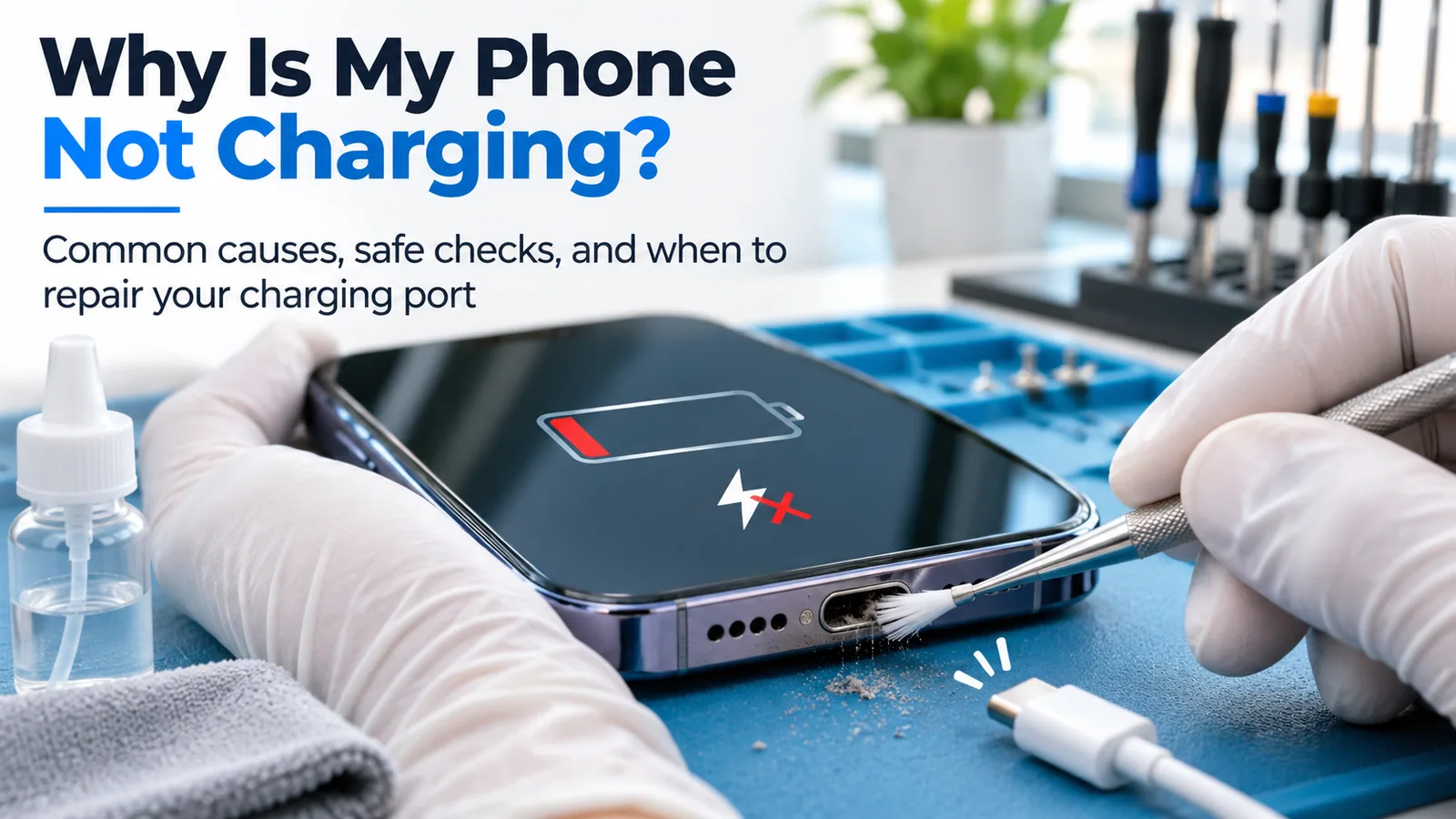
Professional charging port deep cleaning
We inspect the port and charging connection first. If cleaning is suitable, we use appropriate tools to remove compacted lint, dust and other debris while protecting the internal contacts. We then test the cable fit and charging stability again.
If debris was the only problem, a replacement part may not be needed. Moisture, corrosion or liquid residue needs a safety assessment first; cleaning cannot resolve every liquid-related fault.
Charging port repair or replacement
If cleaning does not restore a reliable connection, we diagnose the charging path and recommend repair only after confirming the fault. A standard repair on many common models takes about 30–60 minutes when the correct part is in stock. Liquid damage, battery faults and board-level problems may need more time.
Eligible completed standard charging port repairs include a 6-month parts and labour warranty, subject to the applicable terms and exclusions. Deep cleaning alone is not a replacement-part repair and should not be read as carrying that same parts warranty.
View charging port repair options
Symptom guide
What your charging symptom may mean
These are possible causes, not a final diagnosis. More than one fault can produce the same symptom.
| What you notice | Possible causes |
|---|---|
| Cable will not plug in fully | Packed lint or debris, a damaged connector, or an obstruction in the port. |
| Cable feels loose | Debris stopping a full connection, a worn cable, or wear inside the charging port. |
| Charging only works at an angle | A damaged cable, worn contacts, debris, or physical damage to the port. |
| Charging keeps disconnecting | An unstable cable or adapter, port contamination, worn contacts, moisture, or an internal fault. |
| Charging is very slow | An unsuitable charger, a damaged cable, heat, background use, debris, battery wear, or a charging-circuit fault. |
| Moisture warning appears | Moisture or residue in the port or cable, or a connection that still needs inspection after drying. |
| Wireless charging works but wired charging does not | A cable, adapter or wired charging-path problem, including the port. Diagnosis is still needed. |
| Phone does not respond to any charger | A deeply discharged or failed battery, display problem, charging circuit fault, port damage, or another internal issue. |
Before you book
Safe checks to try before repair
- Try a known-working, compatible charging cable.
- Test another compatible adapter and wall outlet.
- Check whether the connector fits securely without forcing it.
- Restart the phone if it is safe and still responsive.
- Give a deeply discharged battery time to respond with a working charger.
Prevention
How to reduce charging port problems
Protect the port in dusty work environments
Construction, landscaping and warehouse work can expose a phone to fine dust and lint. Consider a suitable protective case with a charging port cover, and check the cover does not force or distort the connector.
Act when the cable starts feeling loose
Do not keep forcing a difficult connector or bending the cable until charging starts. Early inspection can prevent debris from being compacted further and reduce the chance of damage to the internal contacts.
Keep charging dry and low-stress
Avoid charging while the port is wet. Use compatible, reliable accessories, pull from the connector rather than the cable, and avoid sharply bending the cable near the plug.
Professional assessment
When should you bring the phone in?
Book an assessment if more than one known-working charger fails, the cable will not sit securely, charging works only at an angle, the port looks damaged, a moisture warning remains, or the phone becomes unusually hot. A phone that does not react to any charger may also need battery, display or board-level diagnosis.
If the phone charges but the battery drains or shuts down quickly, compare the symptoms with our battery replacement guidance. Liquid exposure needs a different assessment path; see our water damage advice. You can also browse phone repair options or book a repair assessment for your exact model.
Frequently asked questions
Phone charging questions
Can a dirty charging port stop my phone from charging?
Yes. Compacted dust or lint can stop the connector from seating fully or making a stable electrical connection. The port should be inspected before replacement is recommended.
Can a charging port be cleaned instead of replaced?
Sometimes. If debris is the cause and the contacts are not damaged, professional cleaning and testing may restore a reliable connection without a replacement part.
How long does charging port repair take?
A standard repair on a common model often takes about 30–60 minutes when the fault is confirmed and the correct part is available. Liquid damage, board faults and complex models can take longer.
Does charging port repair come with a warranty?
Eligible completed standard charging port repairs include Ali Mobile's 6-month parts and labour warranty, subject to the warranty terms and exclusions. Cleaning by itself is not a replacement-part repair.
Why does my phone only charge at an angle?
The cable may be damaged, debris may be stopping it from seating properly, or the port contacts may be worn or damaged. Avoid forcing the cable and have the connection checked.
Can I clean my charging port myself?
Limit home checks to looking for obvious external debris with the phone disconnected. Do not insert pins, metal tools, cotton buds or other objects into the port because the contacts are easy to damage.
Why will my phone not charge after getting wet?
Many phones pause wired charging when they detect moisture. Disconnect the cable, stop charging and let the device dry according to the manufacturer's guidance. Ongoing warnings, heat or corrosion need professional assessment.
Will charging port repair erase my data?
A standard charging port repair does not normally require the phone to be erased. Back up important data before any electronic repair where possible, because a broader device fault can change the repair path.
Does a loose cable always mean the charging port is broken?
No. A worn cable or compacted lint can create the same symptom. Testing with a known-working compatible cable and inspecting the port helps separate these causes.
Do you repair iPhone, Samsung, Google Pixel and OPPO charging ports?
Ali Mobile assesses charging faults on supported iPhone, Samsung, Google Pixel, OPPO and other phone models. Part availability, repair method and timing depend on the exact model and fault.