
Phone repair questions usually fall into a few practical buckets: price, timing, data, privacy, parts, liquid damage and warranty. The right answer often depends on the exact model and the fault, so this guide is designed to help you ask better questions before you book or visit a repair shop.
Ali Mobile & Repair in Ringwood sees these questions every day at the counter. The short version: identify the phone model, explain the symptom clearly, ask which part option is being quoted, and make sure the quote is confirmed before work starts.
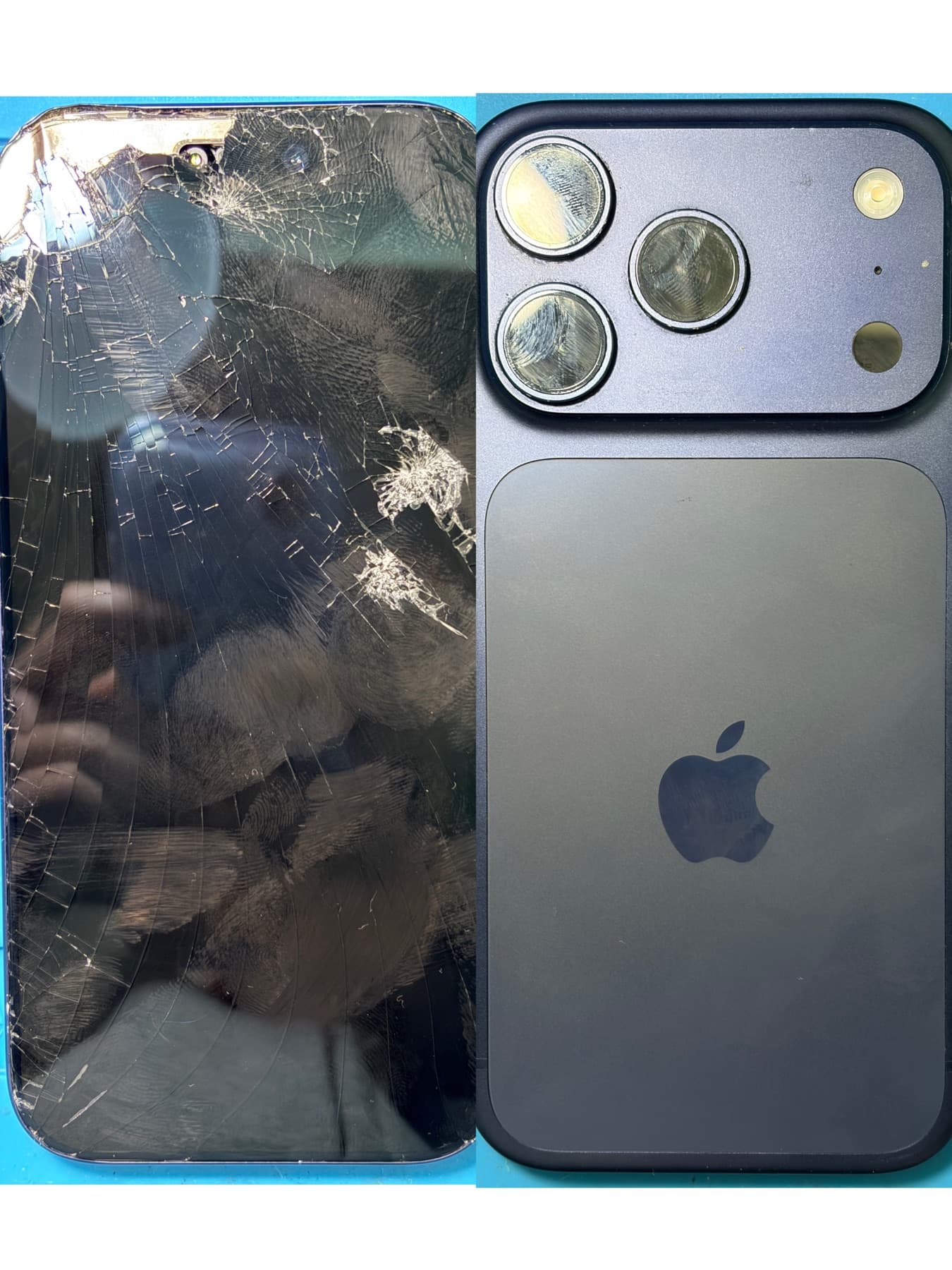
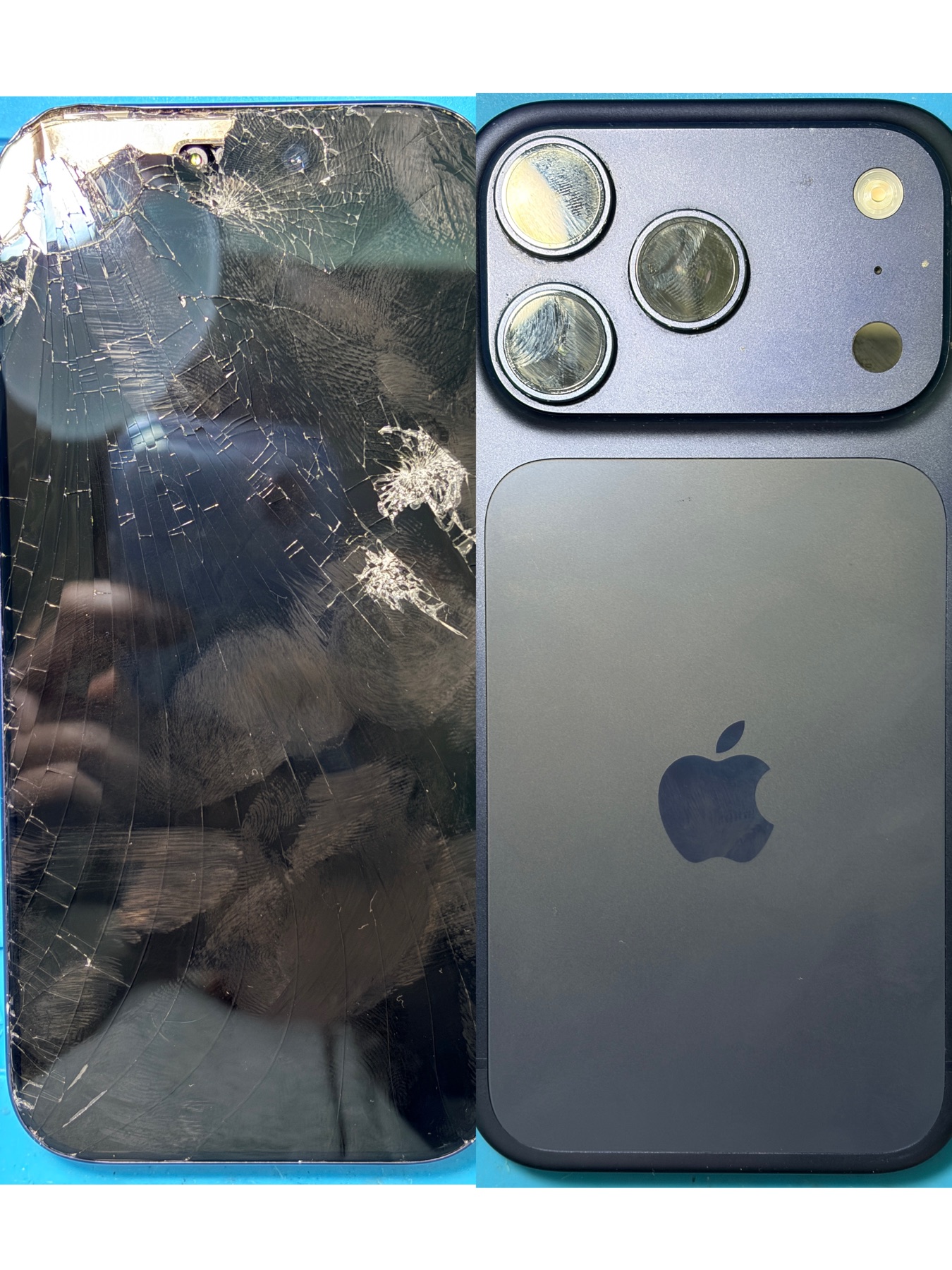 Example repair case: iPhone 17 Pro with severe screen damage brought in for assessment.
Pricing & Quotes
How much does phone repair cost?
Phone repair cost depends on the model, the repair type, the part option and current availability. An iPhone screen, Samsung charging port, Pixel battery and OPPO camera fault can all have different parts, labour time and testing requirements.
For common repair paths, start with the phone repair model hub and choose the exact brand and model. A quote should still be confirmed before proceeding, especially when there are multiple part options or the phone has extra damage.
Screen prices need extra care. Lower starting prices may refer to selected aftermarket options unless a genuine or pulled genuine option is clearly confirmed. A good quote should tell you which option is being used, what is included, and whether timing depends on stock.
Is it worth repairing an old phone or buying a new one?
It depends on the repair quote, the phone's current value, battery health, storage size, camera needs and how long you want to keep using it. A $90 battery on a phone you still like can make sense. A major board fault on a heavily damaged older phone may not.
A simple way to think about it:
- If the phone is otherwise reliable and the repair is a small part of replacement cost, repair may be practical.
- If the phone has several faults, poor battery health and low resale value, replacement may be better.
- If the phone has important data, assessment may still be worthwhile before you decide.
What screen option should I choose?
Screen options may include aftermarket, premium aftermarket, Soft OLED, or genuine or pulled genuine options depending on the model and current availability. Not every phone has every option available.
Choose based on budget, display expectations and model value. If you use the phone heavily, care about brightness and colour, or plan to keep it for years, the cheapest option may not be the best fit. If the phone is older or used as a spare, a lower-cost option may be enough.
Before approving a screen replacement, ask which screen option is being quoted and whether the price changes if you choose another option.
Time & Process
How long does phone repair take?
Same-day repair may be available for many common phone models when parts are in stock. Timing still depends on the exact model, current stock, repair queue, device condition and final testing.
A cracked screen on a common model may move quickly if the correct part is in stock. A charging fault, liquid-damaged phone or no-power issue may need more diagnosis before a time estimate is useful. Call first if timing matters, especially before travelling.
Do I need to book before visiting?
Walk-ins can work well for simple checks, but booking or calling ahead helps when you need a specific part, a tight turnaround or support for a less common model. A quick call can confirm whether the likely part is in stock and whether the repair queue is busy.
If you are unsure which model you have, bring the device in or send the model number before asking for a final quote.
Data & Privacy
Will I lose my data during phone repair?
Most screen, battery and charging port repairs do not require wiping data. Even so, customers should back up where possible before any repair. Phones are small computers, and severe impact damage, liquid exposure, no-power faults or board issues can carry data risk.
For standard hardware work, the aim is to repair the faulty part and test the phone without changing your apps, photos or files. For software restore work, passcode problems or severe system faults, data risk is different and should be discussed before proceeding.
Do phone repair shops look at your photos?
Normal hardware repairs do not require browsing personal photos. Testing usually focuses on functions like display, touch, charging, speakers, cameras, microphones, Wi-Fi, Face ID or fingerprint behaviour.
Some testing may require customer participation, unlocking the phone, or checking a specific function with permission. You can ask what needs to be tested before handing over the device. If privacy is a concern, say so clearly at the counter.
Liquid & Charging Problems
What should I do if my phone gets wet?
Turn it off if possible. Do not charge it. Do not keep pressing buttons or repeatedly testing it. Bring it in early for assessment so moisture, corrosion and affected components can be checked.
Liquid damage outcomes depend on what entered the phone, how long it stayed inside, whether the phone was charged, and which components were affected. For a deeper step-by-step guide, read our phone water damage assessment advice.
Why won't my phone charge?
Charging faults can come from more than the charging port. The cable, wall adapter, port, battery, liquid exposure, debris, software behaviour or board-level power circuit can all be involved.
Before choosing charging port repair, test with a known-good cable and charger if it is safe to do so. If there was liquid exposure, do not keep testing or charging the phone.
Why is my battery draining fast?
Fast drain can come from battery age, background apps, weak signal, heat, charging habits, system updates, battery swelling, charging faults or board issues. Battery Health is useful on iPhone, but it does not tell the whole story.
If the phone shuts down early, runs hot, swells, or drains quickly after a recent drop or liquid exposure, ask for assessment before assuming a simple battery replacement will solve it.
What if my screen is black but the phone still works?
If the phone rings, vibrates, charges or makes sounds while the screen stays black, the display may be damaged even though the phone is still running. It can also be a connector, backlight or board fault.
Do not assume the phone is dead. A technician can check whether screen replacement is the right repair path and whether the phone can be backed up before further work.
Apple, Parts & Warranty
Does third-party repair affect Apple warranty?
Ali Mobile is an independent repair shop. Apple warranty and AppleCare decisions are controlled by Apple. If your device has active Apple warranty or AppleCare coverage, check with Apple before choosing independent repair.
For out-of-warranty devices, independent repair may be a practical option when you want local support, model-specific quotes and repair choices. The important part is understanding the part option, warranty terms and any device messages before work starts.
What does Parts and Service History mean on iPhone?
Some iPhone models may show Parts and Service History, Unknown Part, or related display and battery messages depending on part type, pairing, calibration and iOS behaviour.
These messages do not always mean the phone is unusable, but they can matter for resale value, customer expectations and Apple service decisions. Ask before repair if you care about possible messages, battery health display, True Tone, Face ID, or display calibration behaviour.
Quick Checklist Before Repair
- Know the exact phone model where possible.
- Ask which part option is being quoted.
- Confirm price and timing before work starts.
- Back up important data where possible.
- Mention any liquid exposure, previous repair or drop damage.
- Ask what testing requires unlocking or customer participation.
- If your phone is wet, do not charge it before assessment.